
Klaviyo - Creating a private API key
Here's how you can create a private API key in Klaviyo, to be used in the connection with Govalo:
- Log into your Klaviyo account, then access https://www.klaviyo.com/create-private-api-key.
- Set the Private API Key Name (you may name it "Govalo", for example).
- Under Select Access Level, select Custom Key.
- Set the API Scope Events with Full Access.
- Click Create:

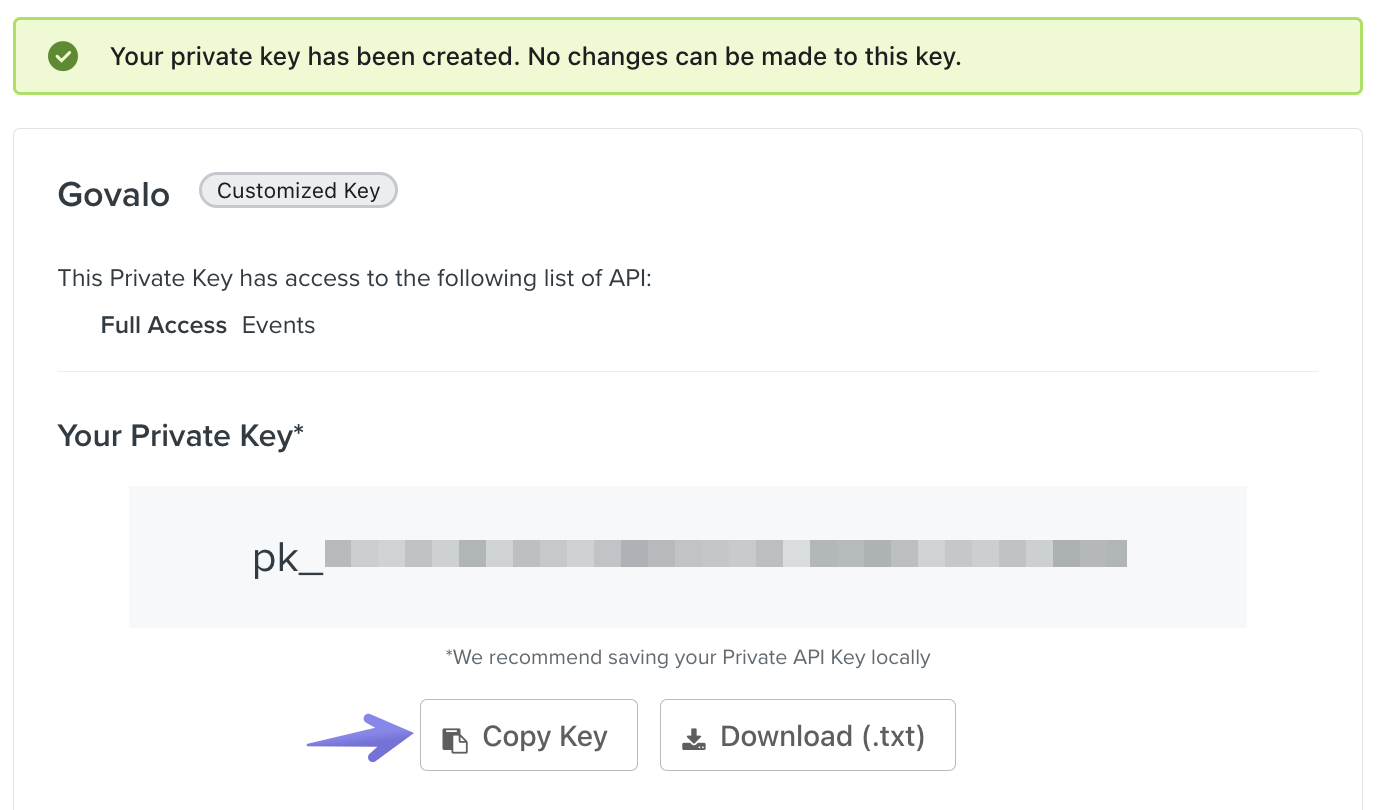
- Copy your newly created key, to be added to Govalo in the integration with Klaviyo:
Updated on: 29/06/2026
Thank you!