
Editing an existing Gift Card product
Gift card products created in Govalo can be edited at any time in the app, as outlined below:
- In the Govalo app, go to Configure and select the gift card product you wish to edit:

- In the editing page you can do multiple things, such as activating or deactivating your gift card product, editing its title, description and values, and also removing or adding images.
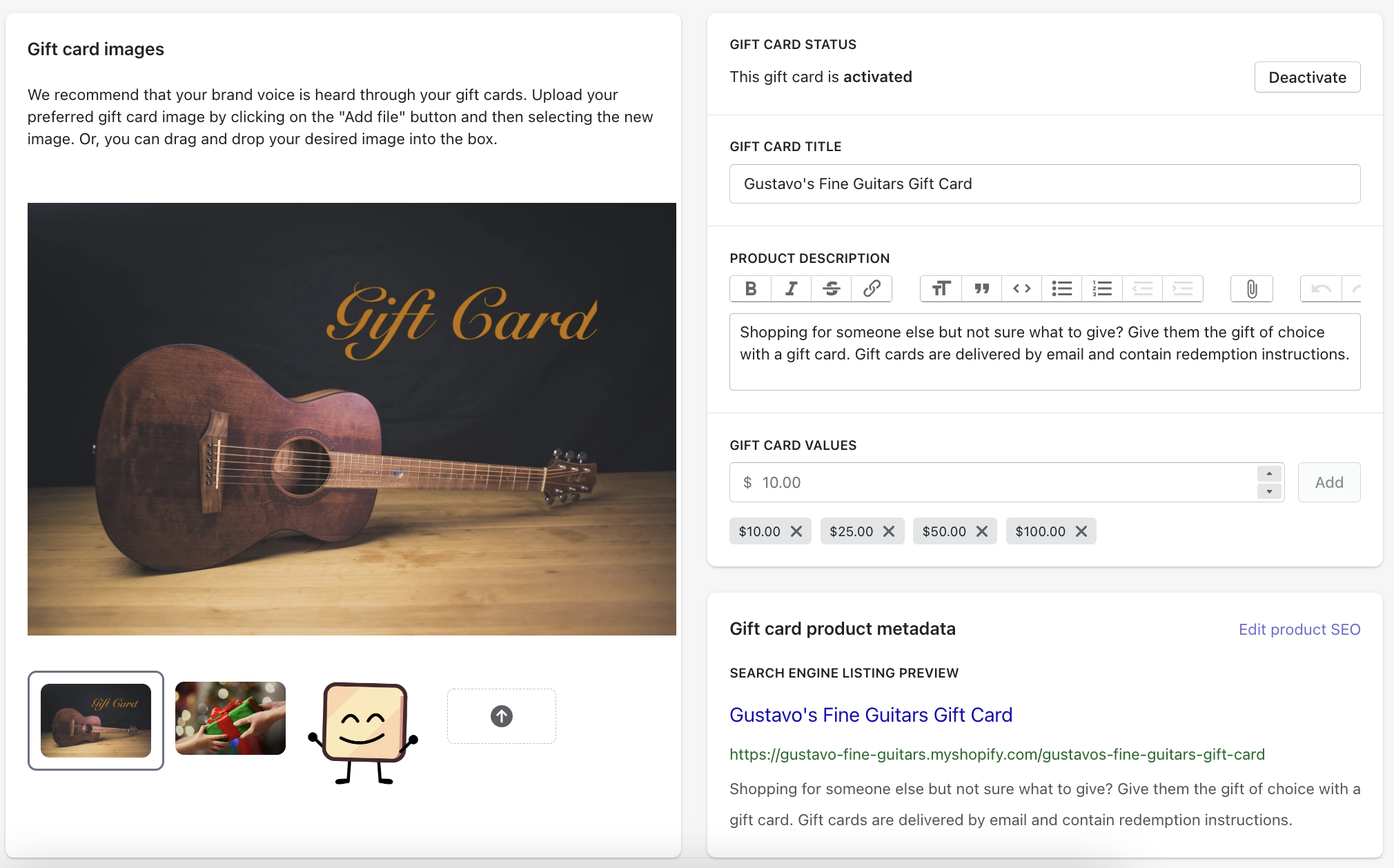
- Once you're done editing, make sure to Save your changes.
Updated on: 29/06/2026
Thank you!