
Setting the time when a scheduled Gift Card will be delivered
<aside><p><strong>Note:</strong> this feature is available for stores in the Premium and Enterprise plans.</p></aside>
Govalo gift cards can be sent to a customer on a future date. The timezone that the gift card is sent coordinates with the timezone of the site. To customize what time a future gift card is sent, you must be on the Premium or Enterprise plan, and follow the steps below:
- In the Govalo app, go to Configure.
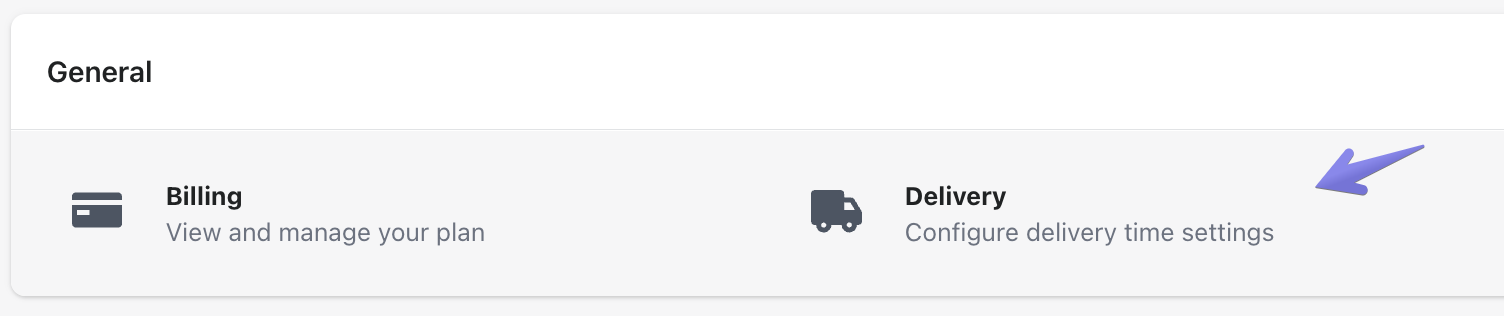
- Scroll down to the General tab and select Delivery:
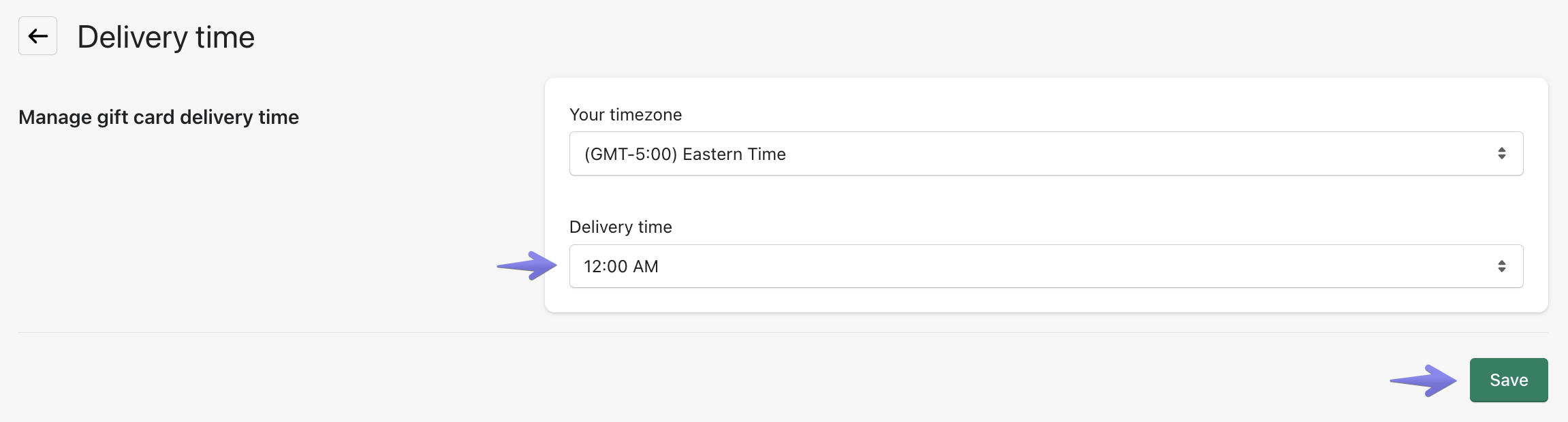
- Select your preferred future delivery time from the drop-down menu, then click Save:
Updated on: 29/06/2026
Thank you!