
Enabling the QR code for use in the POS
Gift cards sold online through Govalo can also be redeemed in your Shopify POS. While your customers don't need a QR code for that, it certainly makes it easier for you and them to redeem gift cards in your physical stores, so here's how you can enable QR codes in Govalo.
<aside><p><strong>Note:</strong> This feature is currently only available for emails sent by <strong>Govalo</strong>, i.e. when your <strong>Email Source</strong> is set as <strong>Govalo</strong>.</p></aside>
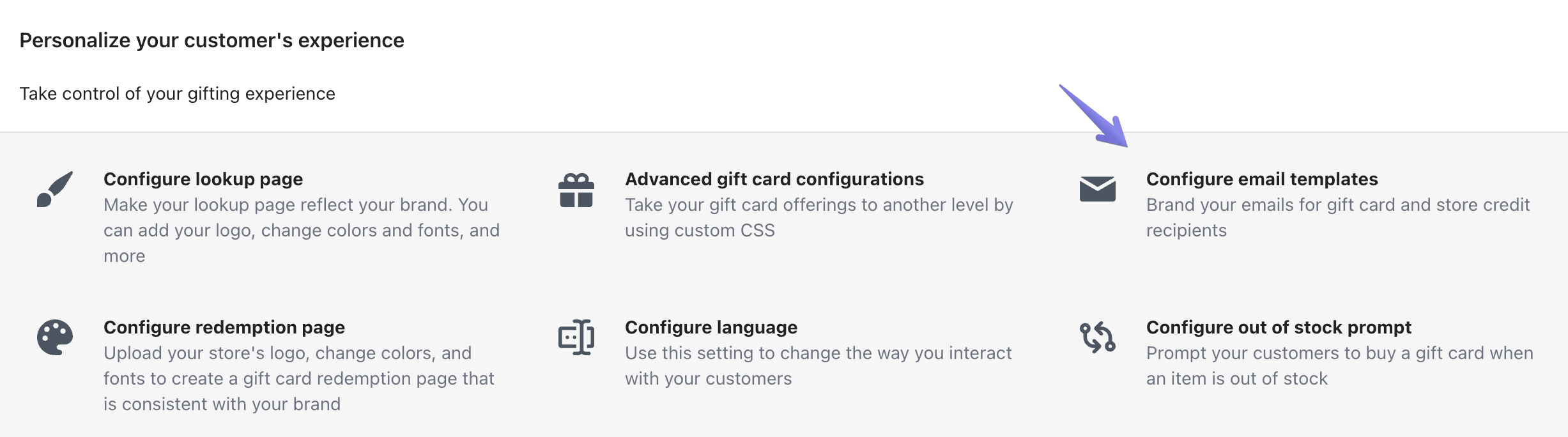
- Go to Configure > Configure email templates:
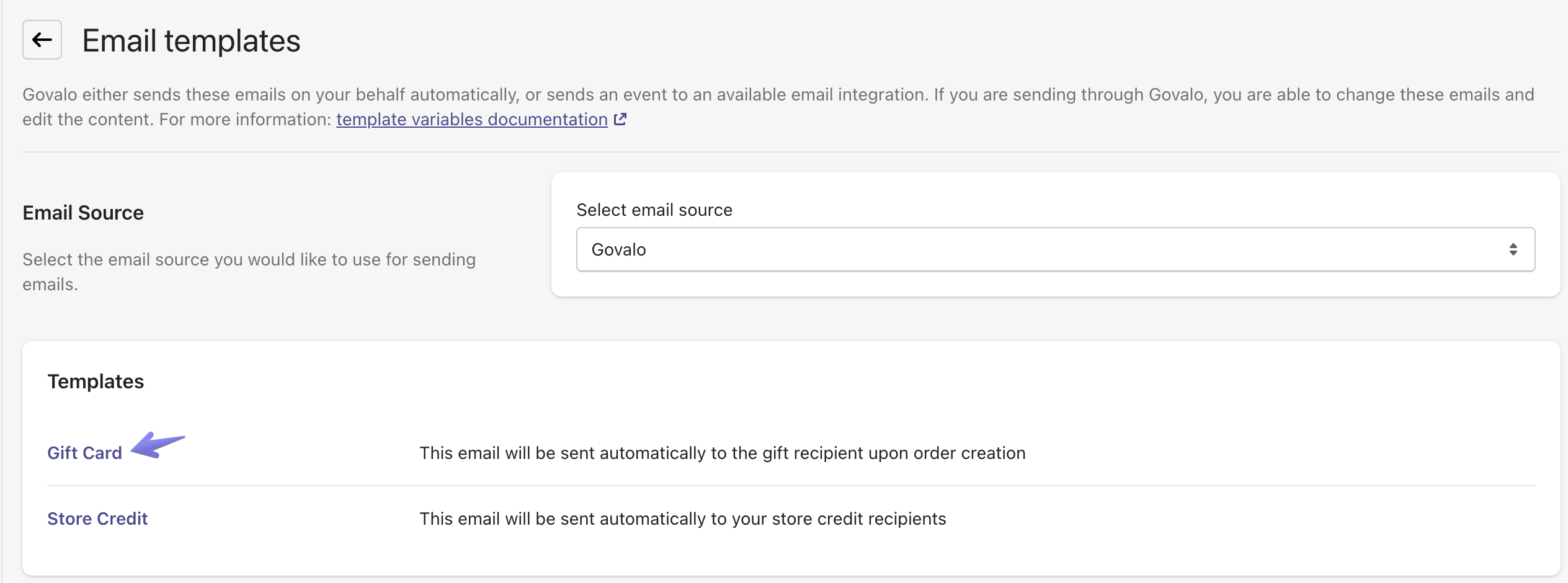
- Go into the template you wish to enable the QR code for, e.g. Gift Card:
- Scroll down and, in the panel on the right, under Shopify POS QR code, click Enable:

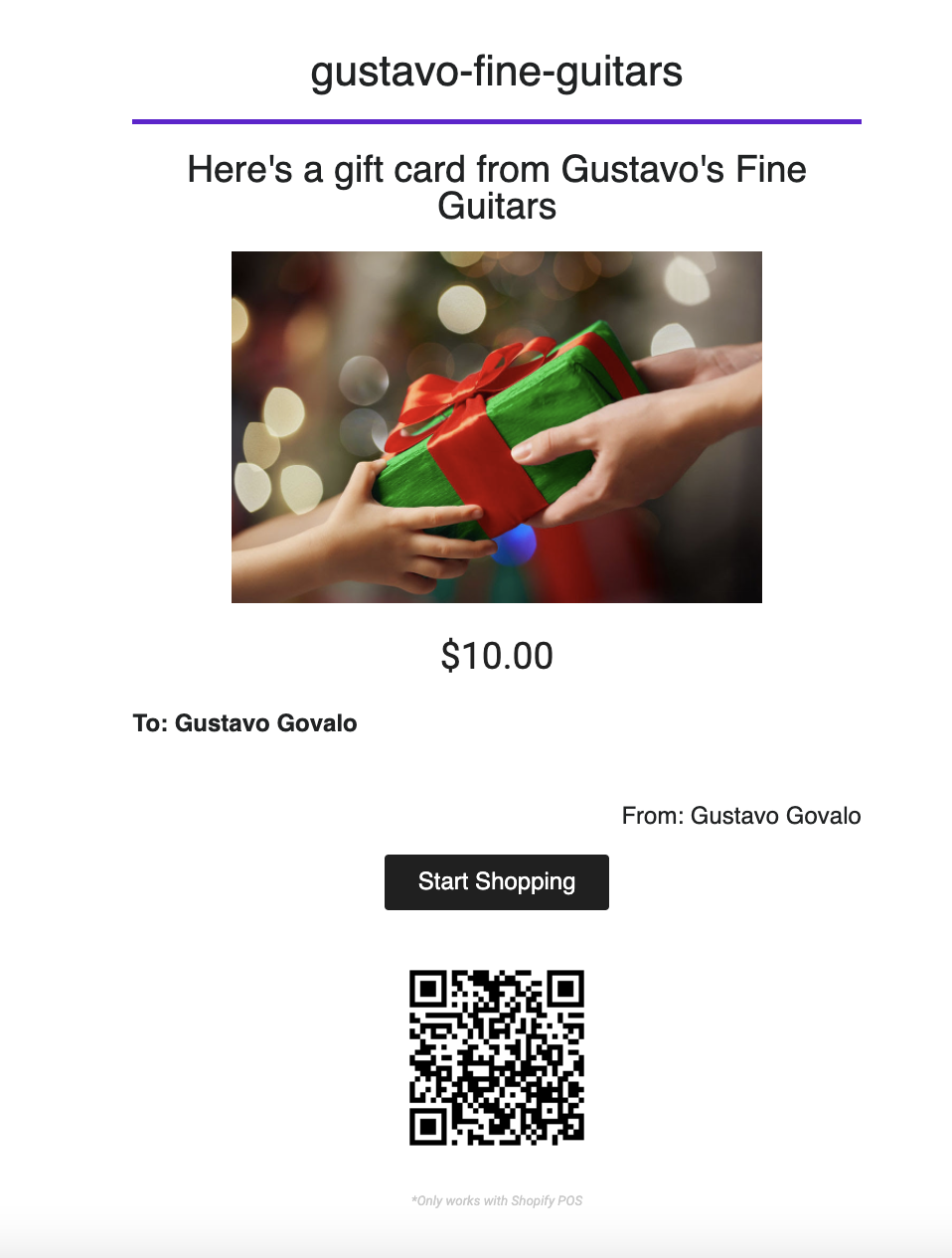
Your gift card emails will now include a QR code:
Updated on: 29/06/2026
Thank you!