
How to change the delivery date of a gift card
You can change the delivery date of gift cards, store credit, and subscription gifts that have not been delivered yet:
- In the Govalo app, go to the Gift cards dashboard, then locate the gift card for which you wish to change the delivery date, and access its details page:

- Click on Edit:
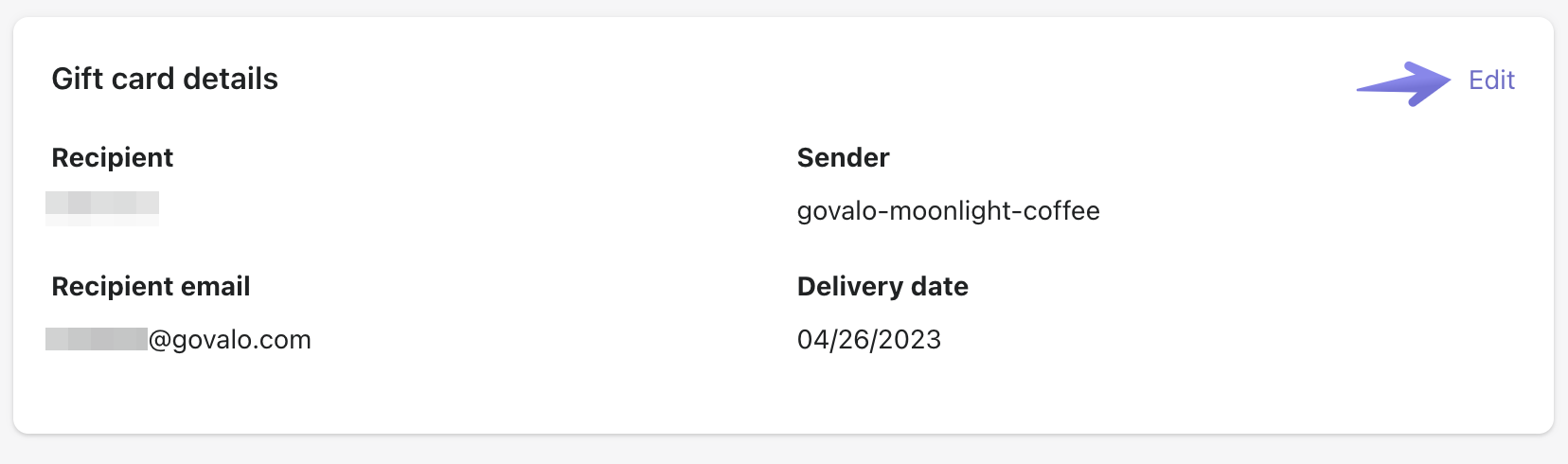
- Select a new delivery date, then click on Save:

Updated on: 29/06/2026
Thank you!